
toolslink vs. Traditional Bookmarks: A Complete Comparison
toolslink vs. Traditional Bookmarks: A Complete Comparison
Should you stick with Safari bookmarks or switch to toolslink? Let's compare them across every dimension.
Organization
Browser Bookmarks
- Manual folder creation
- Hierarchical structure
- Limited to folder/subfolder organization
- No automatic categorization
Problem: You spend more time organizing than using bookmarks.
toolslink
- AI-powered automatic tagging
- Flexible tag system (one link, multiple tags)
- No folders to maintain
- Smart categories that adapt to your usage
Benefit: Save links, let AI organize them.
Winner: 🏆 toolslink
Search
Browser Bookmarks
- Basic title search
- Must remember exact folder location
- No full-text search
- No context-aware search
Problem: Finding old bookmarks is like searching for a needle in a haystack.
toolslink
- Natural language search ("recipe from last week")
- Search by content, tags, date, domain
- AI understands context
- Instant results as you type
Benefit: Find any link in seconds without remembering where you put it.
Winner: 🏆 toolslink
Multi-App Support
Browser Bookmarks
- Only works in Safari
- No saving from other apps
- Limited Share Sheet integration
Problem: Can't save links from Twitter, Instagram, email, Slack, etc.
toolslink
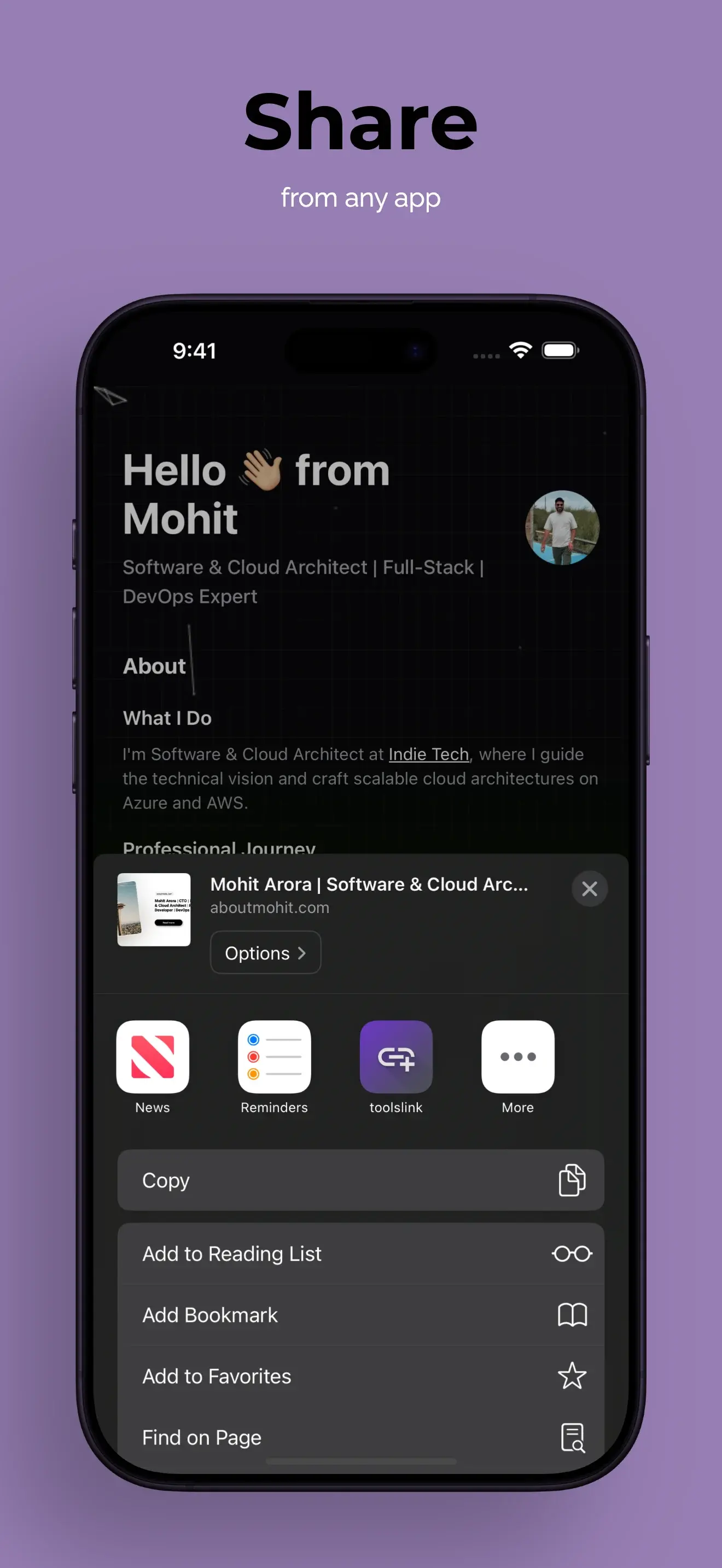
- Save from ANY app via Share Sheet
- Works with Safari, Chrome, Firefox
- Saves from social media, messages, email
- One tap from anywhere
Benefit: Build a complete link library from your entire digital life.
Winner: 🏆 toolslink
Privacy
Browser Bookmarks
- Synced through iCloud or browser account
- Limited control over sync
- Mixed with browser history
- No separate app lock
Neutral: Reasonably private but inflexible.
toolslink
- Local storage by default
- Optional iCloud sync
- No account required
- Face ID/Touch ID app lock
- Separate from browser data
Benefit: Complete control over your data and privacy.
Winner: 🏆 toolslink
Offline Access
Browser Bookmarks
- ✅ Works offline
- Sync requires internet
toolslink
- ✅ Works completely offline
- ✅ AI tagging works offline
- Sync happens when reconnected
Winner: 🤝 Tie (both excellent)
Platform Availability
Browser Bookmarks
- ✅ Works on all devices
- ✅ Built-in to every browser
- Sync across platforms (if using same browser)
toolslink
- ✅ iPhone and iPad
- 🔜 Mac app coming soon
- 🔜 Web extension planned
- ❌ No Android (yet)
Winner: 🏆 Browser Bookmarks (for now)
Cost
Browser Bookmarks
- ✅ Completely free
- No limits
toolslink
- ✅ Free core features (save, tag, search, share)
- 💎 Premium features optional (custom AI rules, advanced sync)
- No ads, ever
Winner: 🤝 Tie (both have free options)
User Experience
Browser Bookmarks
- Cluttered UI with browser chrome
- No dedicated mobile app
- Folder navigation tedious on mobile
- No visual previews
Pain points:
- 5-7 taps to find a bookmark
- Accidental folder creation
- Lost bookmarks
toolslink
- Clean, purpose-built interface
- Optimized for mobile
- Visual link previews
- Swipe gestures for quick actions
- Dark mode support
Benefit: Delightful to use, designed for touch.
Winner: 🏆 toolslink
Sharing
Browser Bookmarks
- Export as HTML file
- No collections
- No easy sharing between users
Problem: Sharing research or reading lists is painful.
toolslink
- Export collections as CSV/JSON
- Share link lists via message/email
- Create shareable collections
- Team collaboration (coming soon)
Benefit: Easily share curated link collections.
Winner: 🏆 toolslink
AI Features
Browser Bookmarks
- ❌ No AI
- Manual organization only
- No smart suggestions
toolslink
- ✅ AI auto-tagging
- ✅ Natural language search
- ✅ Smart recommendations
- 🔜 AI-powered collections
- 🔜 Custom AI rules
Winner: 🏆 toolslink
Data Portability
Browser Bookmarks
- Export as HTML
- Industry standard format
- Easy migration
toolslink
- Export as CSV, JSON
- No vendor lock-in
- API access (premium)
Winner: 🤝 Tie (both allow exports)
When to Use Browser Bookmarks
Browser bookmarks still make sense if:
- You barely save links: Less than 20 bookmarks total
- Cross-platform is critical: Using Windows, Linux, Android primarily
- You're a minimalist: Don't want another app
- Simple needs: Just need quick access to 5-10 favorite sites
When to Use toolslink
Switch to toolslink if:
- You save 20+ links per month
- You can't find old bookmarks
- You use iOS/iPadOS primarily
- You save from multiple apps (not just browser)
- You value AI organization
- Privacy is important
- You want better search
- You share link collections
The Hybrid Approach
Many users do both:
- Browser bookmarks: 10-15 most-visited sites for toolbar
- toolslink: Everything else (hundreds or thousands of links)
This combines quick access with powerful organization.
Real User Scenarios
Scenario 1: Student Researcher
Need: Save 100+ academic papers, articles, resources per semester
Browser bookmarks: ❌ Folders become overwhelming toolslink: ✅ AI tags by subject, date, professor
Winner: toolslink
Scenario 2: Casual Browser
Need: Quick access to 10 favorite websites
Browser bookmarks: ✅ Perfect for this toolslink: ⚠️ Overkill
Winner: Browser bookmarks
Scenario 3: Content Creator
Need: Collect inspiration from Instagram, Twitter, YouTube, articles
Browser bookmarks: ❌ Only works in browser toolslink: ✅ Save from all apps
Winner: toolslink
Scenario 4: Privacy-Conscious Professional
Need: Keep work research separate and private
Browser bookmarks: ⚠️ Mixed with personal bookmarks toolslink: ✅ Separate app with Face ID lock
Winner: toolslink
Migration Guide
Ready to switch? Here's how:
Step 1: Export from Browser
Safari: File → Export Bookmarks...
Step 2: Download toolslink
App Store → Search "toolslink" → Download (free)
Step 3: Import (Optional)
Currently: Manual import Coming soon: One-click HTML import
Step 4: Start Fresh
Or just start saving new links and build your library organically.
The Verdict
For 80% of users who save links regularly, toolslink is better.
Browser bookmarks were designed in the 1990s. They haven't evolved. toolslink is built for 2025:
- AI-powered
- Mobile-first
- Privacy-focused
- Multi-app support
- Actually enjoyable to use
Try Both
You don't have to choose permanently. Try toolslink for 30 days alongside your bookmarks. See which you reach for naturally.
Prediction: You'll forget browser bookmarks exist.
Download toolslink free on the App Store. No credit card, no account, no commitment.
Ready to organize your links with AI?
Download toolslink free on the App Store and experience AI-powered link management.
Download FreeFound this helpful? Share it with others who might benefit.